Stock Watch and Shift Notes
Check what's running low and read the manager's notes for the shift, right on the sign-in screen.
Two notepads sit beside the PIN pad on the sign-in screen. You can read both without signing in. Glance at them before every shift.
Stock Watch
Stock Watch lists every menu item your managers are counting, with how many are left.
- Items that are out (count 0) show in dark red at the top of the list.
- Everything else is listed A to Z.
The same numbers show on the menu buttons while you take an order. A small orange number in the corner of an item button is how many are left. An item that's out turns dark gray, and you can't ring it in.
Shift Notes
Shift Notes shows the notes your managers have posted for the staff, like specials, large parties or reminders. The name under each note is who wrote it.
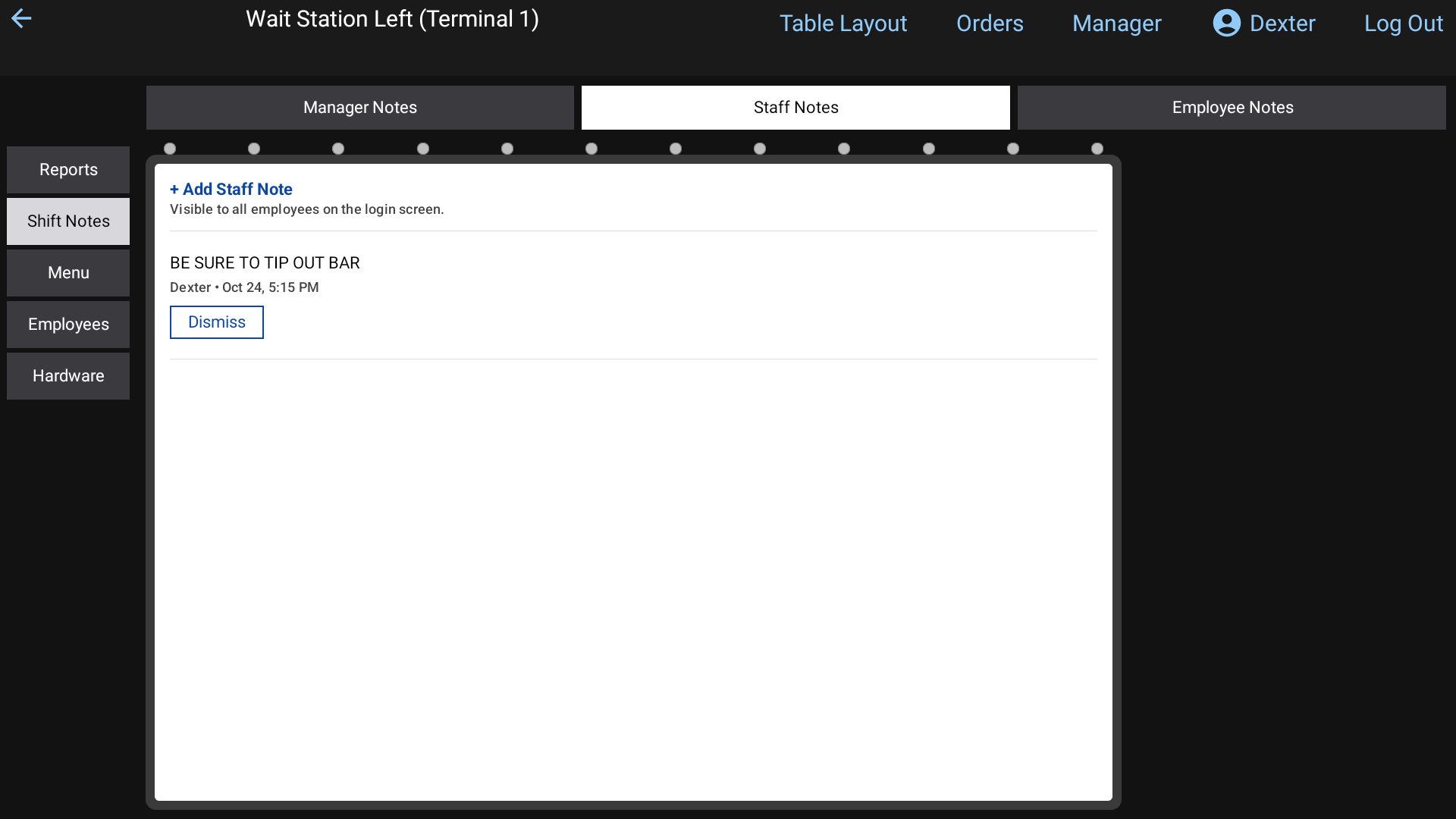 Shift Notes on the sign-in screen
Notes just for you
A manager can also leave a note for one person. Those don't go on the notepad. They pop up when that person signs in, as Note from (name). Tap Dismiss once the countdown finishes. See Sign in with your PIN.
On the handheld
The handheld's sign-in screen has the same two lists. Scroll down under the PIN pad. See Using the handheld.
Good to know
- Managers set stock counts and 86 items. Ask a manager if a count looks wrong. Managers can read Price changes and 86.
- An item's count goes down each time someone rings it in.