Knowledge Base › Signing in
My PIN isn't accepted
What "Invalid PIN" means on the POS sign-in screen and how a manager resets a forgotten PIN.
If the POS says Invalid PIN, no active employee has that 4-digit PIN. Only a manager can look up or change a PIN; there is no "forgot PIN" button on the POS.
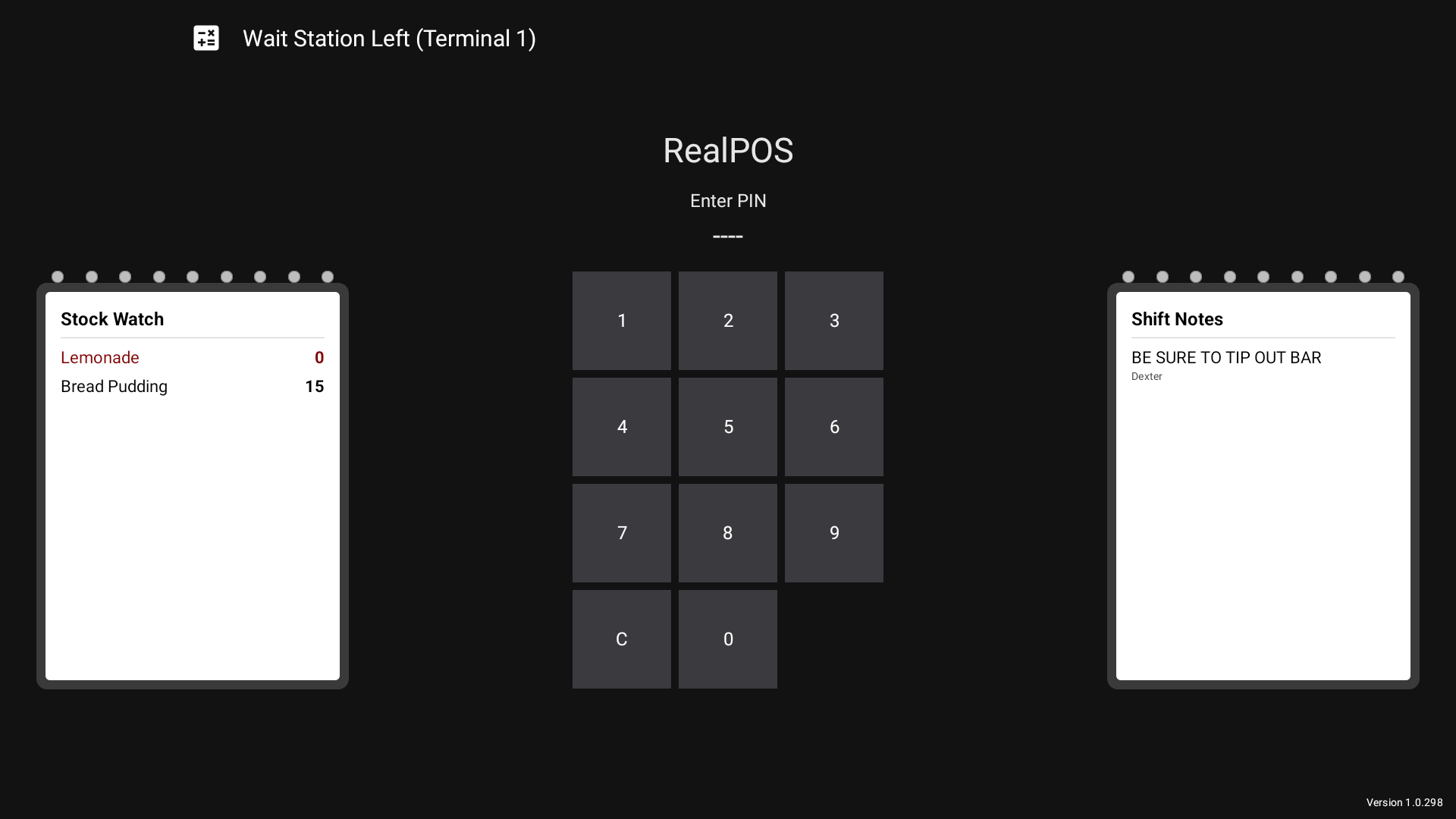 The PIN pad on the sign-in screen
Try this first
- Tap C if needed and type the 4 digits again. The PIN pad clears itself after a wrong PIN, so you can retype straight away.
- Make sure all 4 digits went in. Fewer than 4 shows Enter 4-digit PIN.
- Still refused? Ask a manager to check your employee record.
For managers: reset or check a PIN
In the back office (login.realpos.net):
- Go to Employees > Employees and open the employee.
- Type a new 4-digit number in Login Pin * (4 digits).
- Save.
You can also do this on the POS under Manager > Employees (the field is Login Pin).
Good to know
- PINs are unique in the restaurant. The back office refuses a PIN another employee already has: That PIN is already in use by another employee.
- A deleted (hidden) employee can't sign in. Their PIN shows as Invalid PIN until you restore them.
- An employee with no job can't sign in either (Employee has no job assigned). Add a job on their employee record.
- Changes made in the back office reach the terminals on their own, usually within a minute.
Related: Sign in to the POS, Enter your employees.