Knowledge Base › Orders & checks
Record a Paid In or Paid Out
Record cash put into or taken out of the drawer outside a sale, such as a grocery run or a deposit.
Use Paid In/Out on the Orders screen. It records the amount and a reason, prints a receipt, and shows on the closeout under PAID IN / OUT.
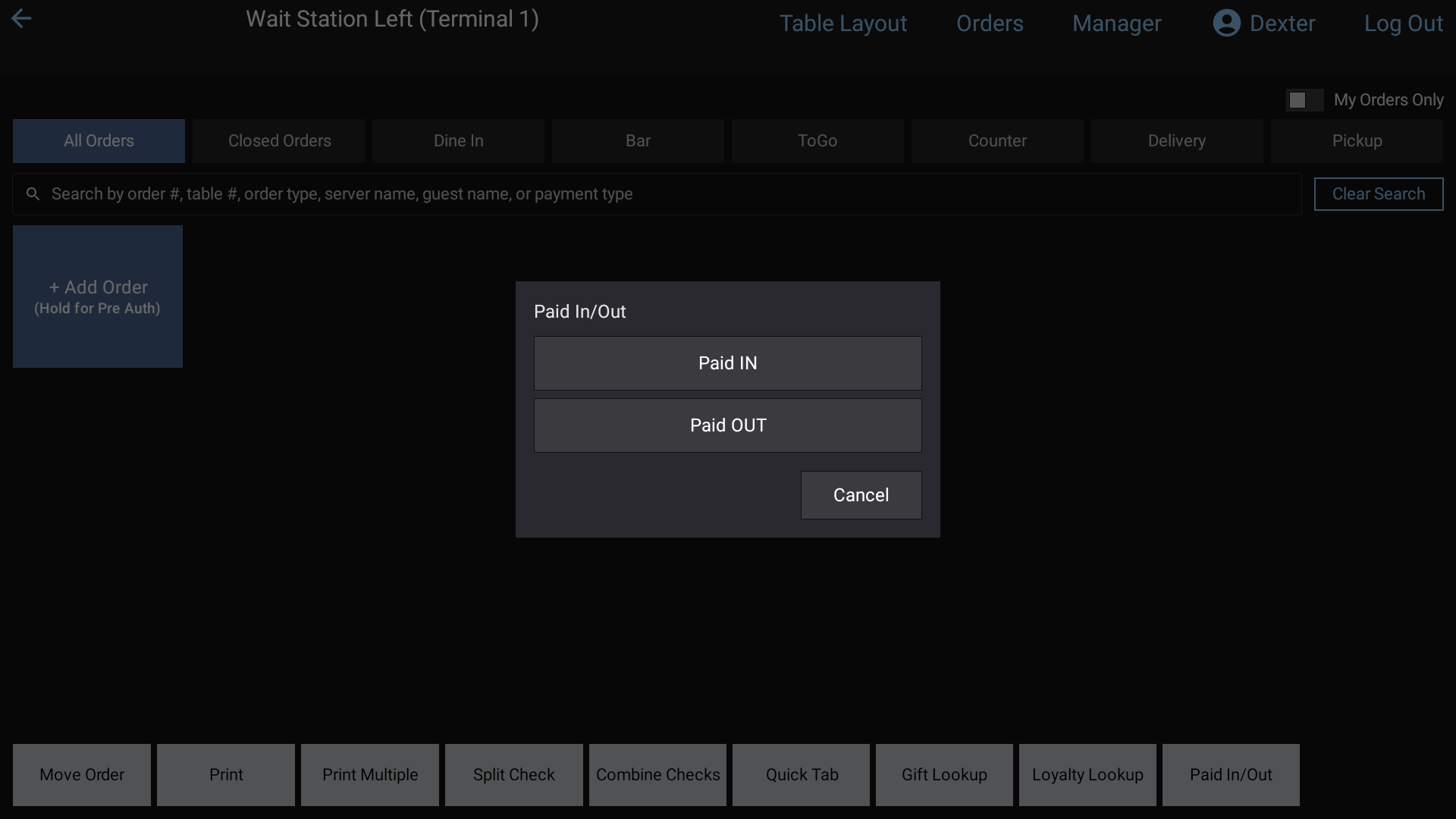 Choosing Paid IN or Paid OUT
Steps
- Tap Orders in the top bar. Paid In/Out is the last button on the bottom row (it isn't on the Closed Orders tab).
- Tap Paid IN or Paid OUT.
- Pick a reason from Select a reason.
- Enter the amount and press Enter.
- Paid OUT closes straight away as cash and prints its receipt.
- Paid IN opens the payment screen so you can take it as cash or another tender. Tap Cancel there to drop it.
Good to know
- The reasons come from the back office: Store Settings > Paid In/Out. If the list says No reasons are set up yet, a manager needs to add some there.
- Paid Ins and Paid Outs don't count as sales and don't appear in Closed Orders.
Related: Paid In/Out (manager guide).